
Windows Command Line
Insights from the teams behind Windows Terminal, PowerToys, WinGet, and WSL
Latest posts
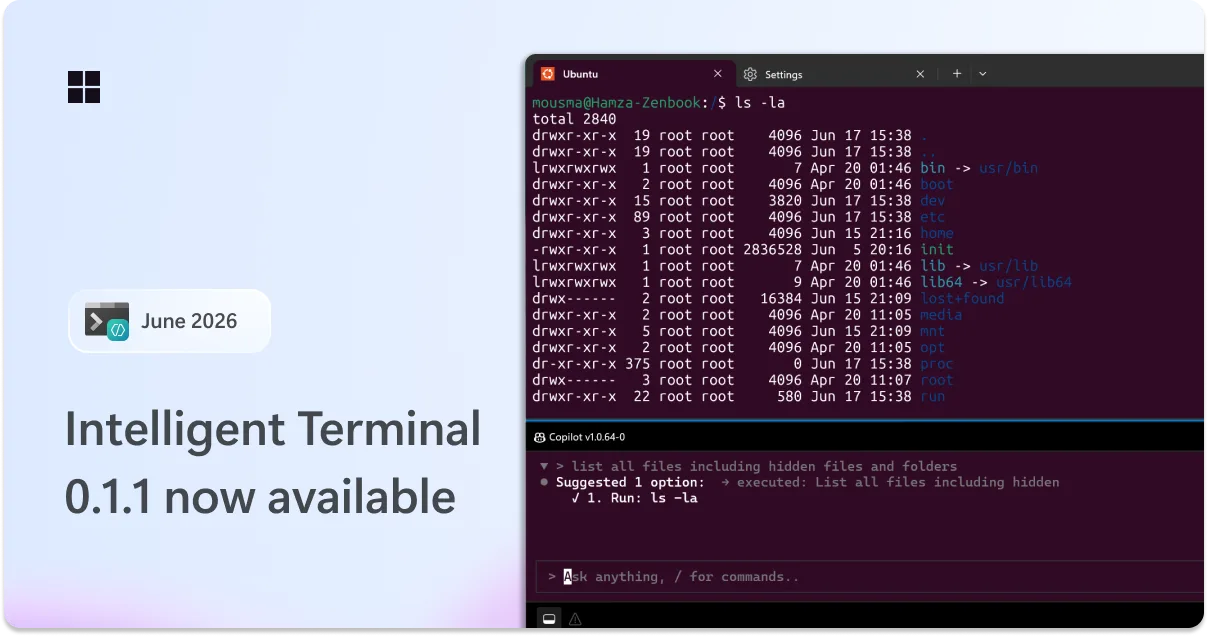
Intelligent Terminal 0.1.1 is here: bash support, new slash commands, and more customization

We're back with the first servicing release of Intelligent Terminal! This update brings auto error detection to Bash and WSL, a new command for on-demand help, an on-the-fly picker, a customizable agent pane, and Windows 10 support, along with a round of bug fixes and reliability improvements. You can grab the update from the Microsoft Store, via , or by heading to the release page on GitHub. Let's dive in! Auto error detection and fix support comes to Bash and WSL In 0.1, automatic error detection and fix/command suggestions were limited to PowerShell. With this release, that same experience now works in Ba...
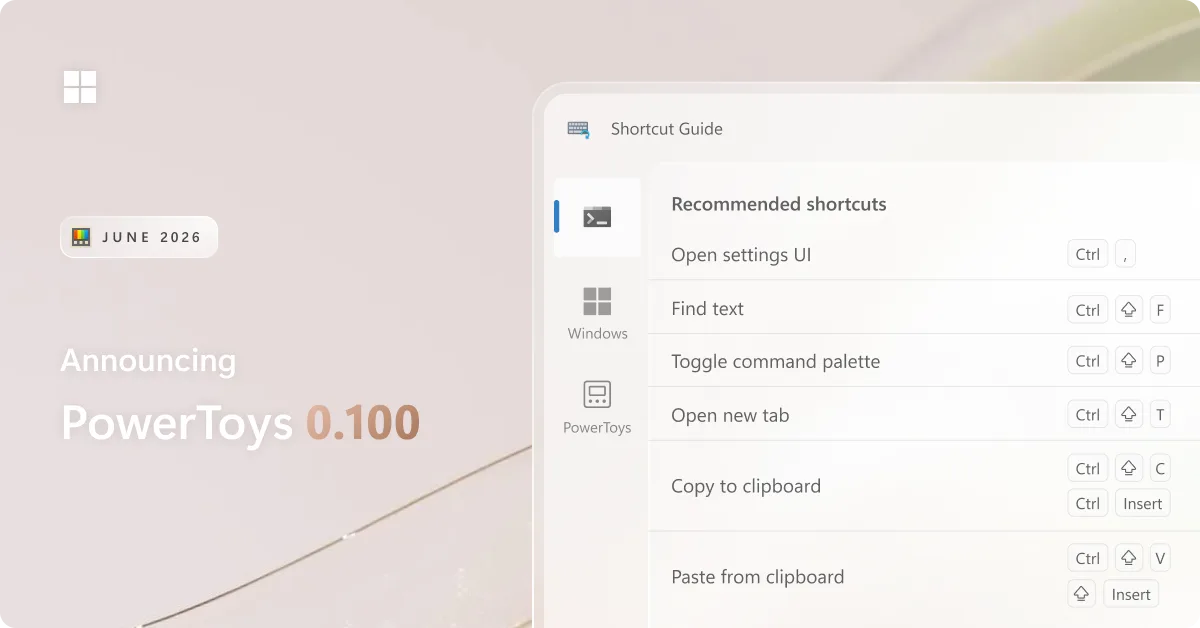
PowerToys 0.100 is here: new Shortcut Guide, Command Palette improvements and much more!

We're back with a fresh PowerToys release! This month introduces the brand-new Shortcut Guide, a major Command Palette update with the new Extension Gallery and multi-monitor Dock support, and a wave of improvements to Power Display. We've also upgraded PowerToys to .NET 10, improved auto-update reliability, reduced installer size, and continued modernizing the app experience across the suite. Grab the update by checking for updates in PowerToys or by heading to heading to the release page. Let's dive in! ⌨️ Introducing the new Shortcut Guide The new Shortcut Guide has been designed and built from the groun...
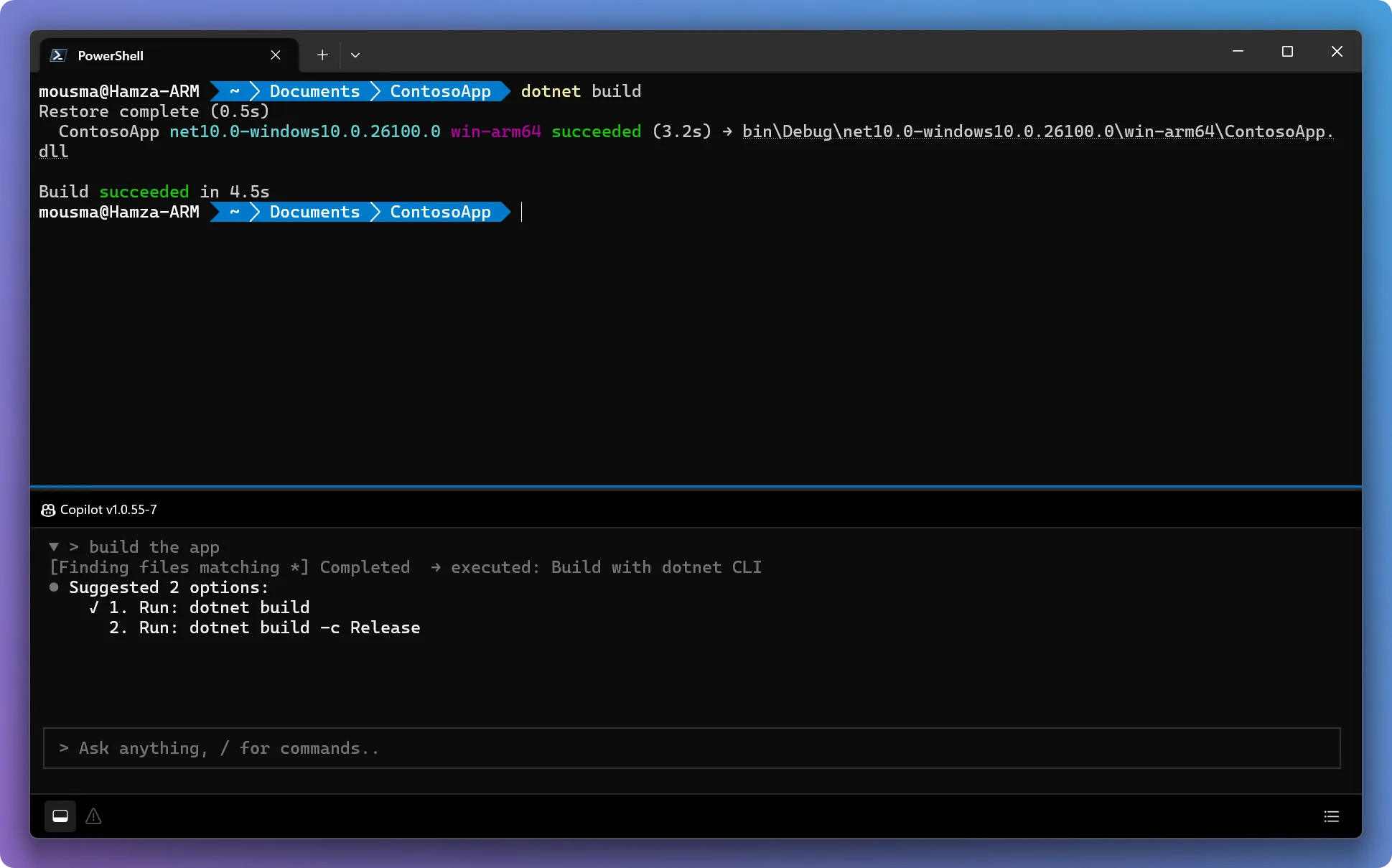
Announcing Intelligent Terminal 0.1
Today we're announcing Intelligent Terminal version 0.1, an open-source experimental fork of Windows Terminal with native agent integration. Get started Install from the Microsoft Store: Intelligent Terminal on the Microsoft Store Install via WinGet: Visit our GitHub repository for documentation and to file issues. Here's a look at what's in this experimental stage. We will continue to iterate and listen to you, the community, as we improve the product, fix bugs, and add new features. The agent status bar at a glance The agent status bar sits at the bottom of the window and gives you quick access to ever...

The new Run dialog: faster, cleaner, and more capable

We've shipped the new Run dialog - and we want to say thanks. As the team behind Windows Terminal and PowerToys, we're excited to bring this to Windows 11, and your feedback helped shape it! Run has been rebuilt from the ground up: The modern Run dialog is slowly rolling out in current Insider builds of Windows as an opt-in feature, ensuring we are collecting your feedback. To enable the new Run dialog, you’ll need to: ⛏️ How we've built it: Data-and-community driven Windows Run, also known as the Run dialog, is a surface that has been around for over 30 years. It has become a heavily relied upon...
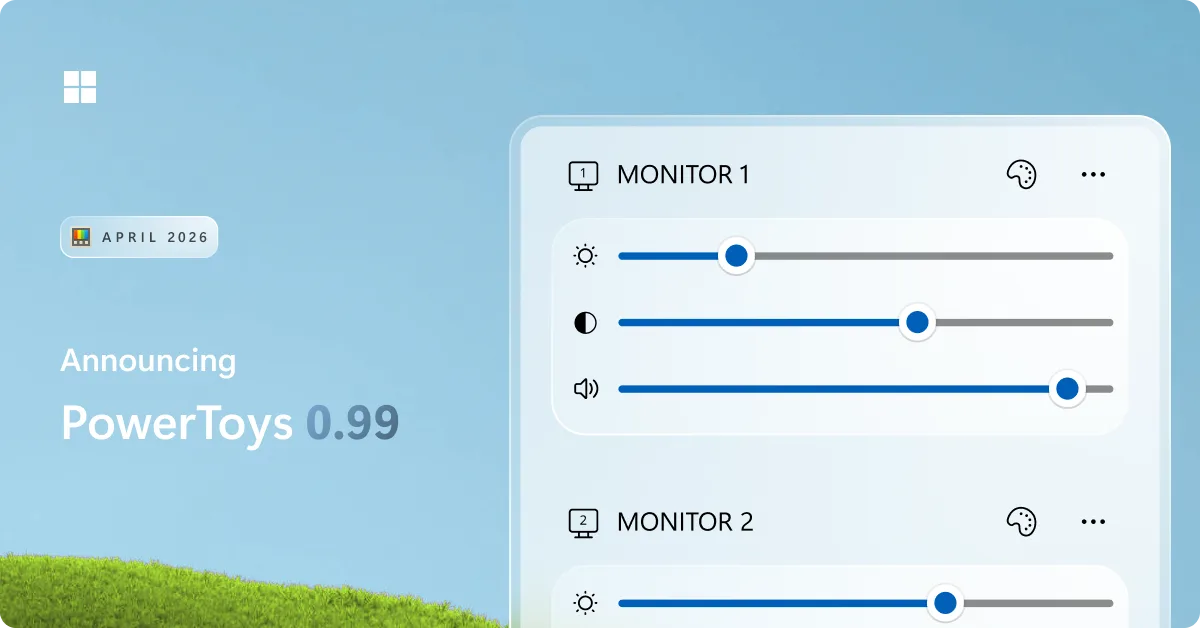
PowerToys 0.99 is here: new monitor controls, easier window management, and Dock upgrades
We're back with a fresh PowerToys release! This month introduces Power Display for controlling your monitors from the system tray, Grab And Move for quickly moving and resizing windows, and a wave of improvements to Command Palette and the Dock, along with updates across the utility suite. You can grab the update by checking for updates in PowerToys or by heading to the release page. Let's dive in! 🪟 Introducing Grab And Move - drag and resize windows from anywhere (Preview) This release introduces Grab And Move, a new utility that lets you drag and resize windows without having to target the title bar or w...
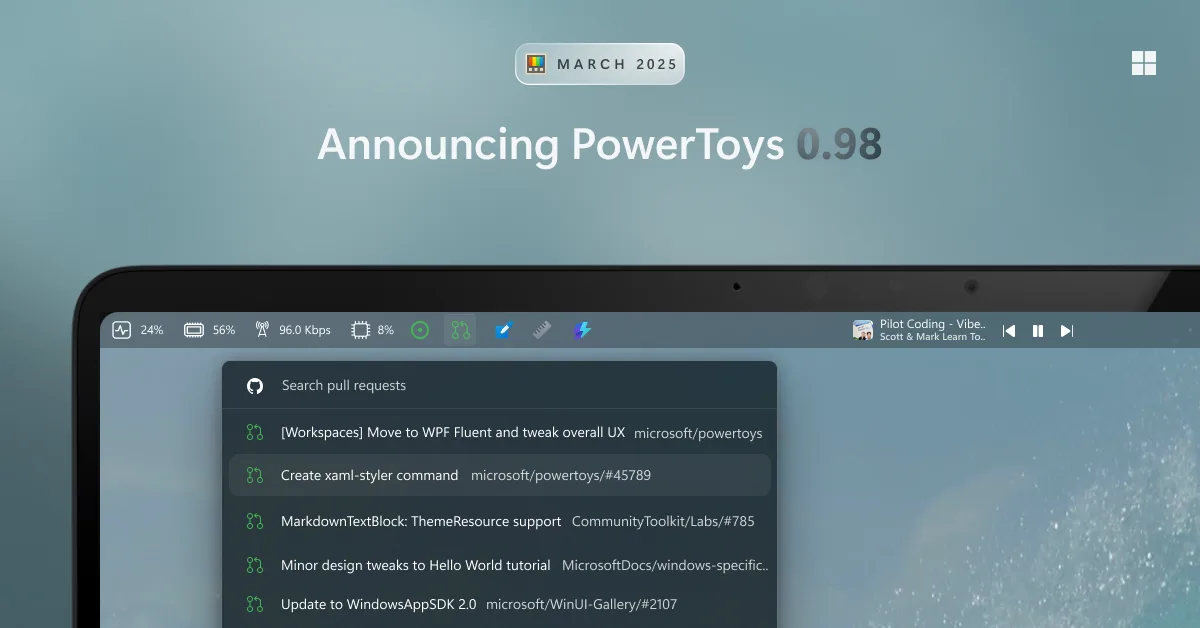
PowerToys 0.98 is here: new Keyboard Manager UX, the Command Palette Dock and better CursorWrap!
We're back with a fresh PowerToys release – PowerToys 0.98! This month introduces the new Command Palette Dock, along with a refreshed Keyboard Manager experience and many other improvements across the utilities. You can grab the update by checking for updates in PowerToys or by heading to the release page. Let's dive in! ⌨️ A refreshed Keyboard Manager Editor experience (Preview) This release introduces a new editor experience for Keyboard Manager. The UI has been rebuilt from the ground up using WinUI 3, making it easier for us to maintain and improve going forward. With the new foundation, we also too...
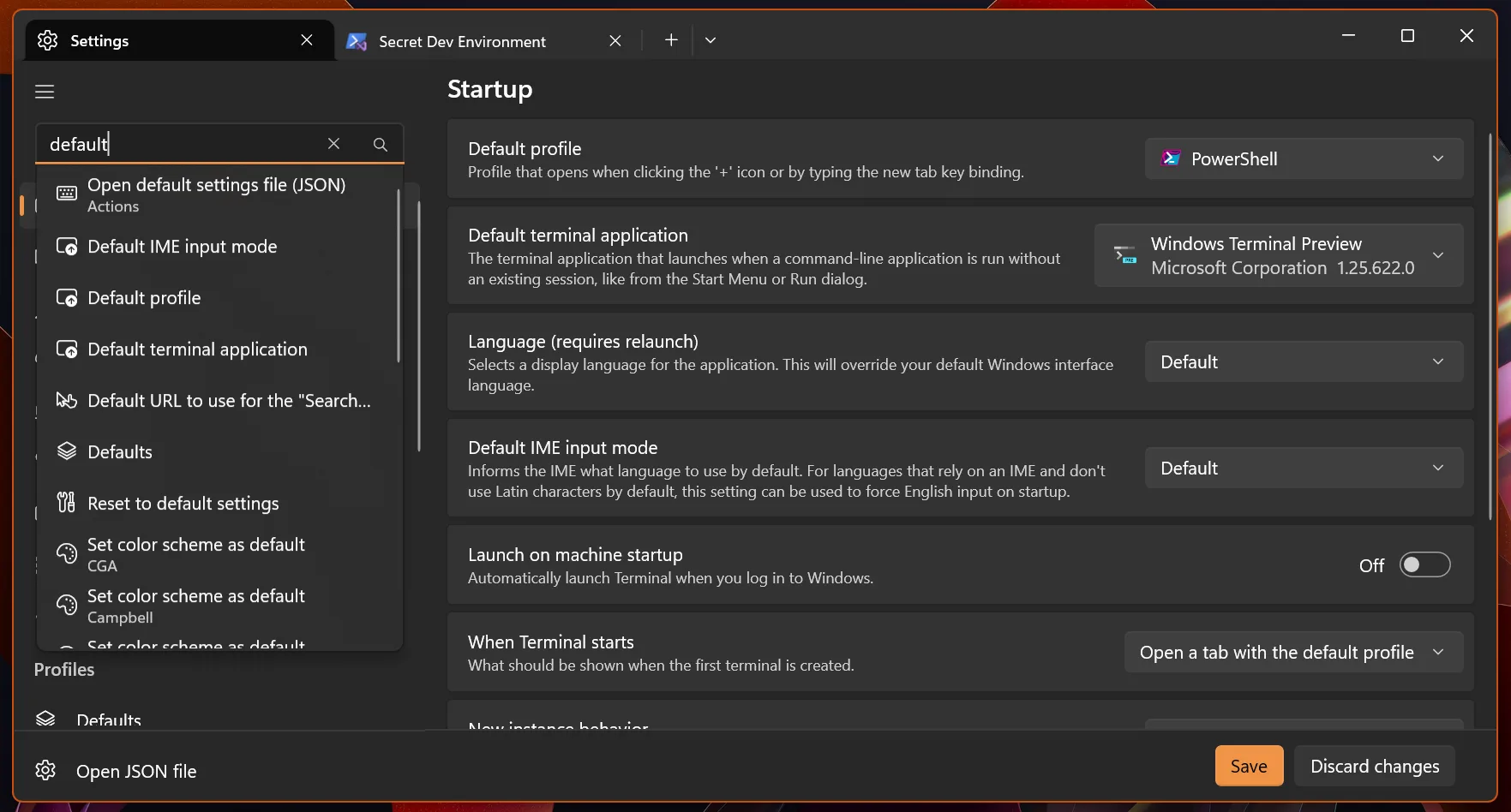
Windows Terminal Preview 1.25 Release

We briefly paused our quarterly release cycle to focus on reliability and performance, but now we're back with Windows Terminal 1.25! We are also updating Windows Terminal stable to version 1.24, which will include all of the features from this previous blog post. Some notable features to call out are: 🌟 Additional language support in Command Palette, which will now additionally suggest features using English keywords if you natively speak another language. 🌟 A new Settings page dedicated to Extensions, which allows you to see what profiles, color schemes and actions have been added to your Terminal 🌟 Support...
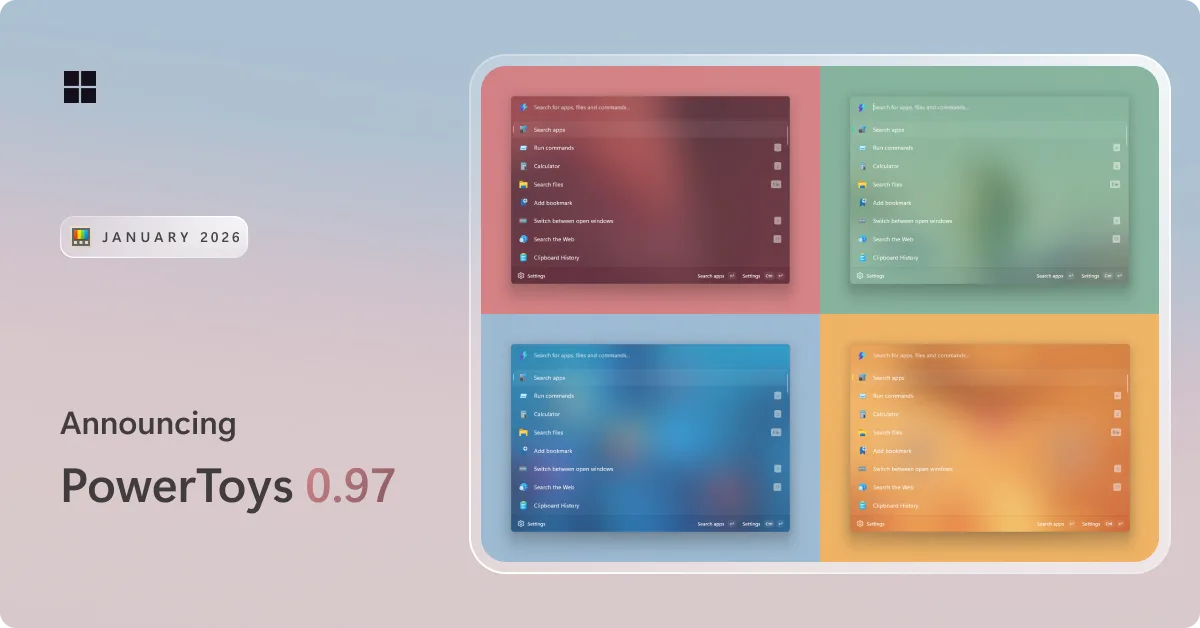
PowerToys 0.97 is here: a big Command Palette update and a new mouse utility
PowerToys 0.97 is here! This release packs in a ton of improvements to Command Palette, introduces a brand-new mouse utility called CursorWrap, expands CLI support across several utilities, and includes plenty of other refinements. Get the update by checking for updates in PowerToys or heading to the release page heading to the release page. Let's dive in! 📋 Command Palette gets a big update We have been hard at work improving Command Palette, and this release is a big one! It introduces several new features, deeper customization options, and a long list of improvements across the board. UI customization ...
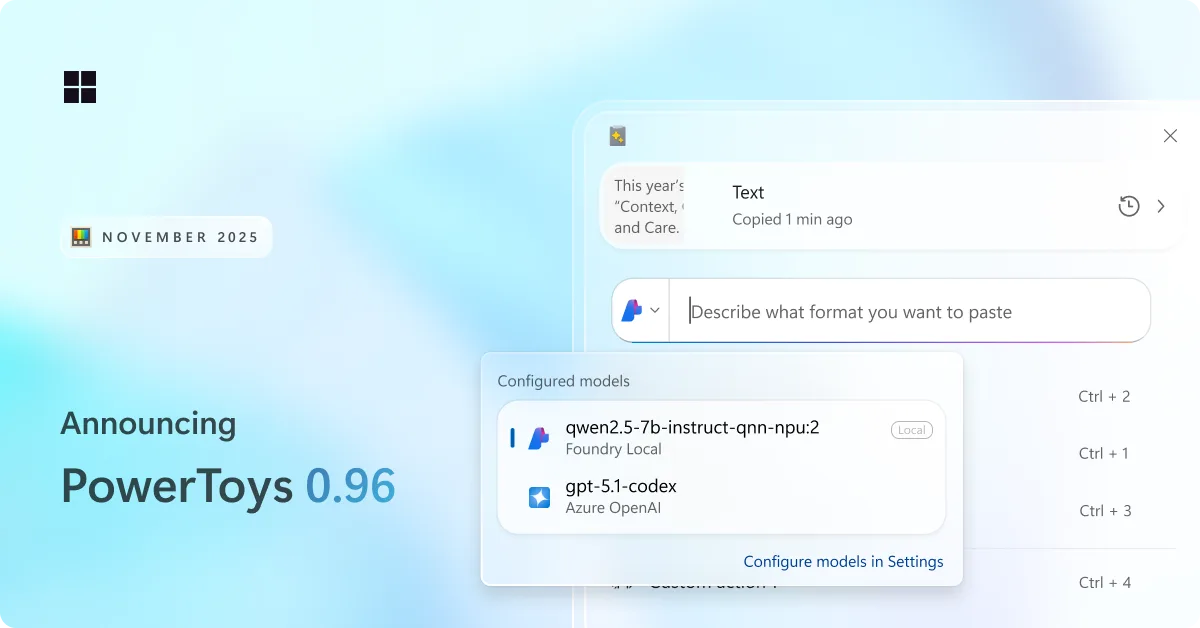
PowerToys 0.96 is here: endpoints for Advanced Paste, metadata support for PowerRename and more!
We are back with a fresh PowerToys release! This month brings a redesigned Advanced Paste experience with support for multiple AI model endpoints, a wave of improvements to Command Palette, and plenty of smaller upgrades across the utility suite. Grab the update by checking for updates in PowerToys or heading to the release page. Let's jump in! 📋 Smarter, faster, and more flexible: Advanced Paste gets a big upgrade We have been hard at work improving Advanced Paste. Both the Settings experience and the Advanced Paste UI have been refreshed with a cleaner, more modern design. A lot of you asked for more flexib...